
Choose PV Ribbon for Your Cell Technology
Cell technology helps define the interconnection layout and soldering constraints. Start with the cell drawing and stringer process, then select ribbon geometry, coating and mechanical properties. The guide below shows what to specify for each design.
On this page
Use the cell drawing to set the specification
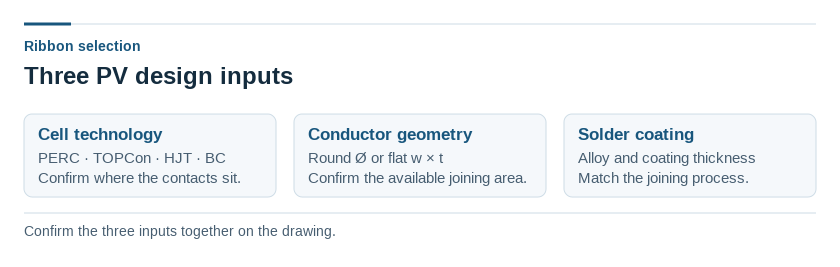
Scroll horizontally to read all columns. Keep the conditions and units with each value.
← Scroll horizontally to see all columns →
| Cell or layout input | What to match | Related product |
|---|---|---|
| PERC or TOPCon cell | Pad pattern, conductor geometry, solder coating and mechanical targets | Interconnect ribbon |
| HJT or heat-sensitive process | Cell metallization and the specified soldering window | Low-temperature ribbon |
| Back-contact layout | Rear pads, routing, clearances and solderable areas | BC ribbon |
| SMBB or 0BB layout | Line count, round/flat section, feeding and handling | SMBB · 0BB |
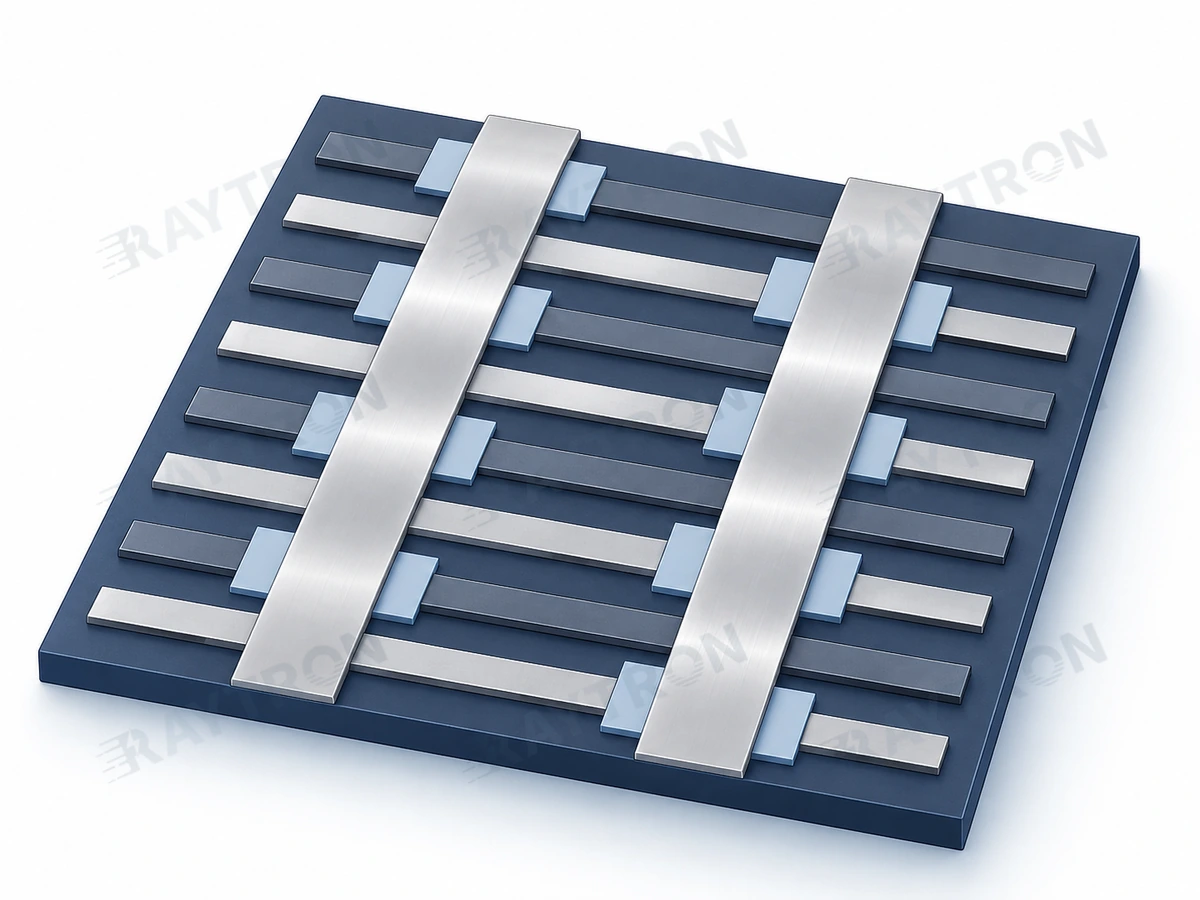
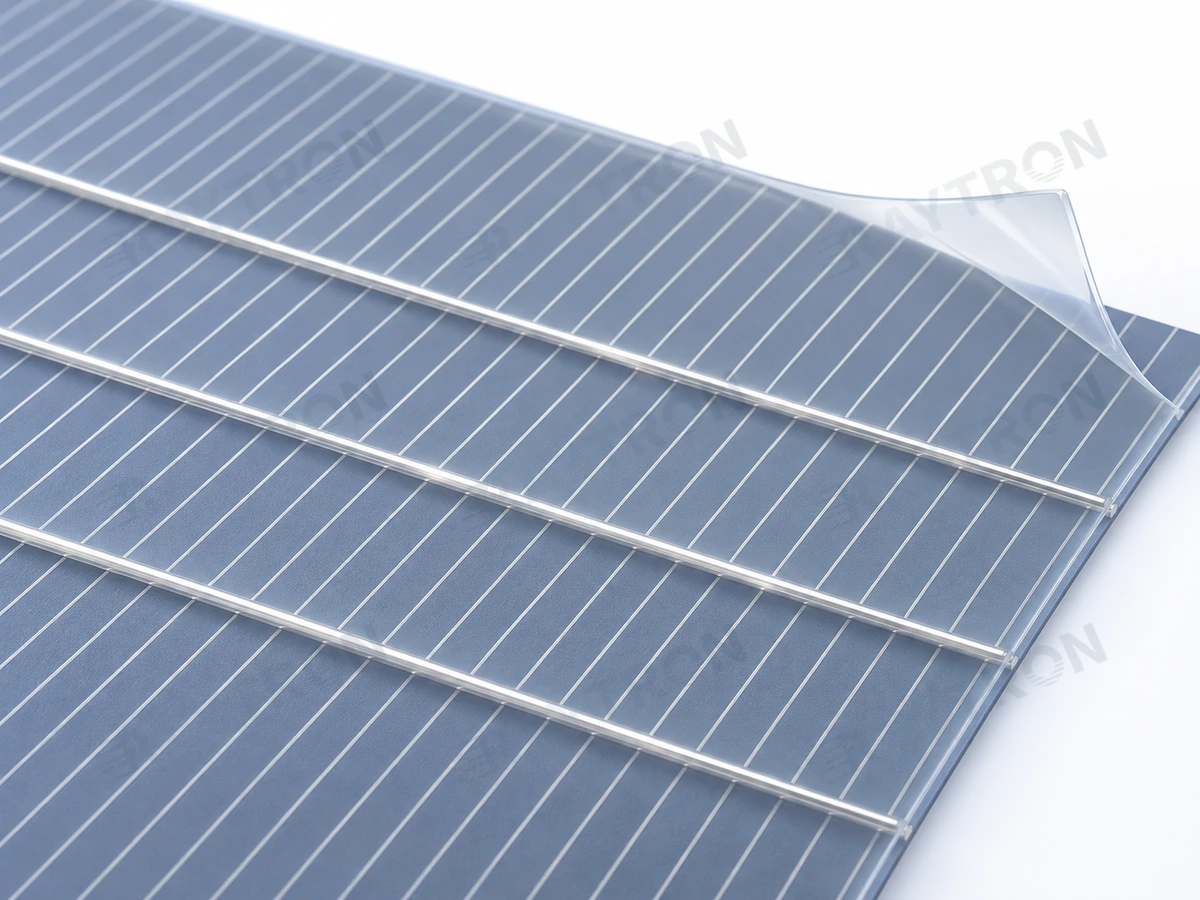
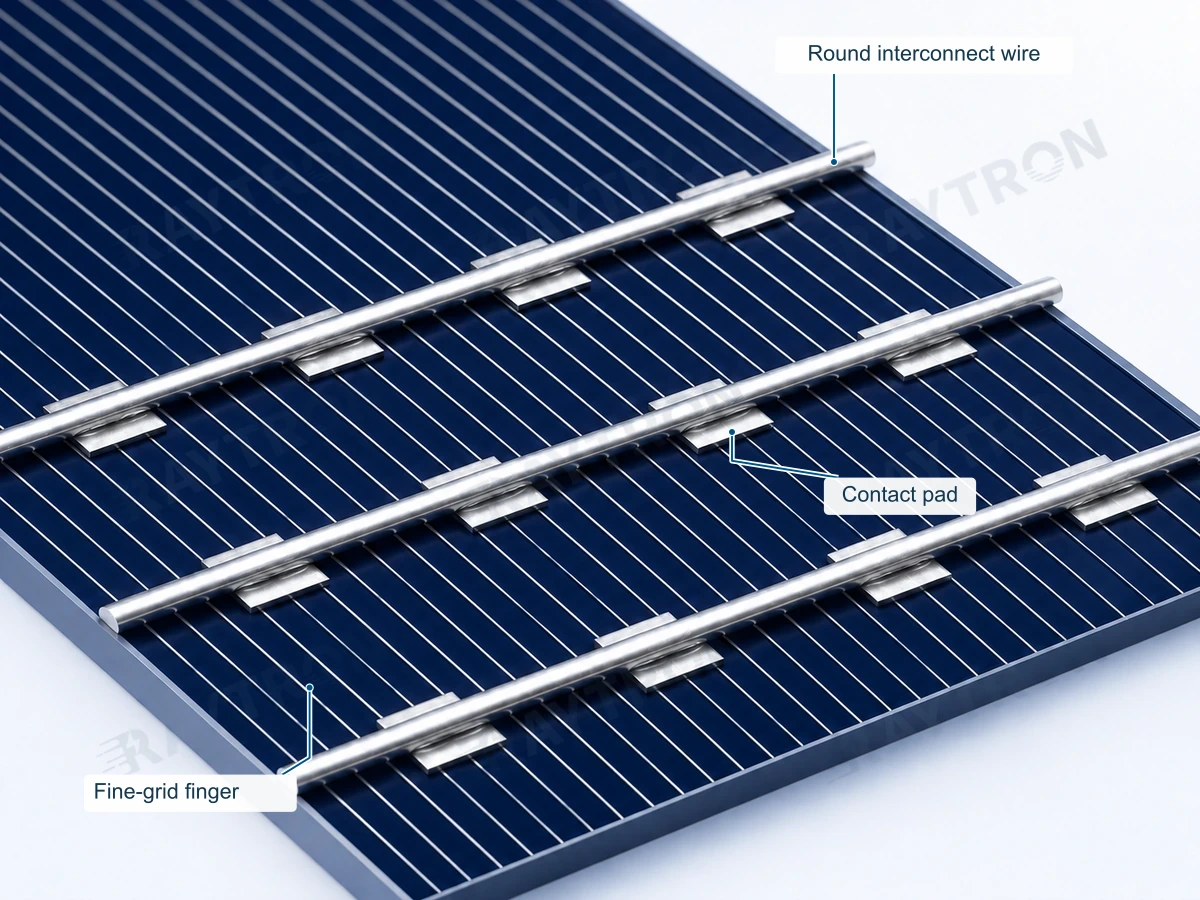
A cell-technology name does not set a universal ribbon diameter, width, thickness or soldering temperature. Use the cell supplier’s process limits and the actual stringer setup.
Record the trial
Include the approved baseline ribbon, cell layout, coating and stringer conditions. Compare joint strength, resistance, handling and module checks under the same conditions. Send Your Cell and Ribbon Drawings